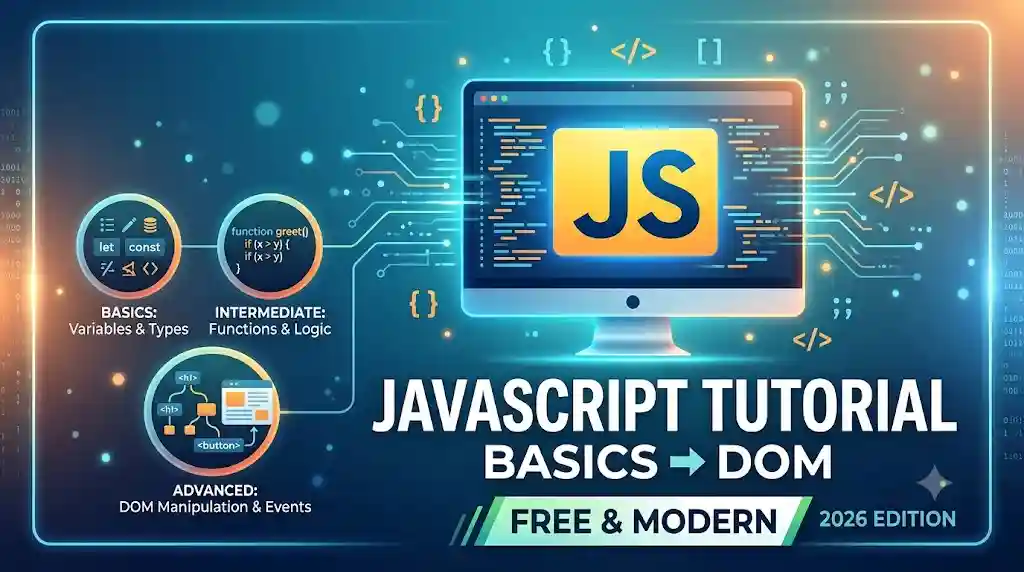
JavaScript Tutorial: Learn JavaScript Free From Basics to DOM (2026)
Table of Contents
- What Is JavaScript? (Direct Answer)
- Why Learn JavaScript in 2026?
- Adding JavaScript to HTML
- Variables & Data Types
- Functions Explained
- Conditionals & Loops
- Arrays & Common Array Methods
- Objects in JavaScript
- The DOM & DOM Manipulation
- Event Handling
- Common JavaScript Mistakes Beginners Make
- JavaScript Best Practices
- How to Practice JavaScript Online (No Install)
- JavaScript Learning Roadmap
- Summary
- FAQs
What Is JavaScript? (Direct Answer Box)
JavaScript is the programming language that adds interactivity and logic to web pages—handling everything from button clicks and form validation to dynamic content updates, without reloading the page. While HTML provides structure and CSS provides style, JavaScript is what makes a page actually do something. You can run every example in this JavaScript tutorial instantly in our free online HTML CSS JS compiler, with no installation required.
Why Learn JavaScript in 2026?
• It’s the only programming language that runs natively in every browser.
• It powers modern front-end frameworks like React, Vue, and Angular.
• It’s required for nearly every front-end developer job and increasingly for full-stack roles via Node.js.
• You can start immediately — no compiler installation, just a browser.
Who This JavaScript Tutorial Is For
| Learner Type | What You’ll Get |
|---|---|
| HTML/CSS beginners | A clear next step into real programming logic |
| Job seekers | Core JS concepts asked about in almost every coding interview |
| Framework learners | The JavaScript fundamentals React/Vue/Angular are built on |
| Hobbyist coders | Enough JS to build small interactive projects fast |
Adding JavaScript to HTML
There are three ways to add JavaScript to a page:
<!– 1. Inline JavaScript –>
<button onclick=”alert(‘Hello!’)”>Click Me</button>
<!– 2. Internal JavaScript –>
<script>
console.log(‘Hello from internal JS’);
</script>
<!– 3. External JavaScript (recommended) –>
<script src=”script.js”></script>
💡 Tip: Place <script> tags just before the closing </body> tag (or use the defer attribute) so the HTML loads before JavaScript runs.
Variables & Data Types
Variables store data that your program can use and change. Modern JavaScript uses let and const instead of the older var.
let age = 25; // can be reassigned
const name = “Alex”; // cannot be reassigned
let isLoggedIn = true; // boolean
let price = 19.99; // number
let user = null; // empty value
| Data Type | Example | Description |
|---|---|---|
| String | “Hello” | Text data |
| Number | 42, 3.14 | Integers and decimals |
| Boolean | true, false | Logical values |
| Array | [1, 2, 3] | Ordered list of values |
| Object | { name: “Alex” } | Key-value pairs |
| Undefined/Null | undefined, null | Absent or empty values |
Functions Explained
Functions are reusable blocks of code. There are three common ways to write them:
// Function declaration
function greet(name) {
return “Hello, ” + name;
}
// Function expression
const greet2 = function(name) {
return “Hello, ” + name;
};
// Arrow function (modern, concise)
const greet3 = (name) => `Hello, ${name}`;
console.log(greet(“Sara”)); // Hello, Sara
💡 Tip: Arrow functions are the modern standard for short functions and callbacks, but function declarations are “hoisted” (usable before they appear in the code).
Conditionals & Loops
// If/else conditional
let score = 85;
if (score >= 90) { console.log(“A grade”); }
else if (score >= 70) { console.log(“B grade”); }
else { console.log(“Needs improvement”); }
// For loop
for (let i = 0; i < 5; i++) {
console.log(“Count: ” + i);
}
// While loop
let count = 0;
while (count < 3) { console.log(count); count++; }
Arrays & Common Array Methods
Arrays and their built-in methods appear constantly in real projects and interviews.
const fruits = [“apple”, “banana”, “cherry”];
fruits.push(“date”); // add to end
fruits.map(f => f.toUpperCase()); // transform each item
fruits.filter(f => f.length > 5); // keep matching items
fruits.forEach(f => console.log(f)); // loop through items
| Method | Purpose |
|---|---|
| .push() / .pop() | Add/remove item at the end |
| .map() | Transform each item into a new array |
| .filter() | Return items matching a condition |
| .forEach() | Run code for each item (no return value) |
| .find() | Return the first matching item |
| .reduce() | Combine all items into a single value |
Objects in JavaScript
Objects group related data and behavior using key-value pairs.
const user = {
name: “Sara”,
age: 28,
isAdmin: false,
greet: function() { return `Hi, I’m ${this.name}`; }
};
console.log(user.name); // Sara
console.log(user.greet()); // Hi, I’m Sara
The DOM & DOM Manipulation
The DOM (Document Object Model) is how JavaScript ‘sees’ and interacts with your HTML — it’s how you make pages change in response to user actions.
// Selecting elements
const title = document.querySelector(“h1”);
const buttons = document.querySelectorAll(“button”);
// Changing content
title.textContent = “Updated Title”;
// Changing styles
title.style.color = “teal”;
// Creating and adding new elements
const newPara = document.createElement(“p”);
newPara.textContent = “New paragraph added!”;
document.body.appendChild(newPara);
Event Handling
Events let JavaScript respond to user actions like clicks, typing, or page loads.
const button = document.querySelector(“#myButton”);
button.addEventListener(“click”, function() {
console.log(“Button was clicked!”);
});
document.querySelector(“#myInput”).addEventListener(“input”, (e) => {
console.log(“Current value:”, e.target.value);
});
| Event | Triggered When |
|---|---|
| click | The element is clicked |
| input | Form field value changes |
| submit | The form is submitted |
| keydown | A key is pressed |
| DOMContentLoaded | HTML has fully loaded |
Common JavaScript Mistakes Beginners Make
• Confusing =, ==, and === — use === for strict equality to avoid unexpected type coercion bugs.
• Forgetting that forEach doesn’t return a new array — use .map() when you need a transformed array back.
• Manipulating the DOM before it’s loaded — always wrap code in DOMContentLoaded or place scripts at the end of <body>.
• Not understanding this — its value changes depending on how a function is called.
• Overusing global variables, leading to naming conflicts and hard-to-debug code.
• Ignoring the browser console — it’s the single most useful tool for catching JavaScript errors early.
JavaScript Best Practices
• Use const by default, and let only when a variable needs to change.
• Use === instead of == to avoid type coercion bugs.
• Keep functions small and focused on one task.
• Use addEventListener instead of inline onclick attributes for cleaner, maintainable code.
• Always check the browser console for errors while testing.
How to Practice JavaScript Online (No Install)
Reading a tutorial only gets you so far — actually running code is what makes it click.
Recommended Practice Path
• Build a button that changes text when clicked.
• Create a simple form that validates an email field with JavaScript.
• Build a to-do list that adds and removes items from the DOM.
• Use .filter() and .map() on a sample array of your own data.
JavaScript Learning Roadmap
| Stage | Focus | Estimated Time |
|---|---|---|
| Beginner | Variables, functions, conditionals, loops | 2–3 weeks |
| Intermediate | Arrays, objects, DOM manipulation | 3–4 weeks |
| Advanced | Events, Fetch API/JSON, debugging in-browser | 4+ weeks |
Summary
JavaScript is the programming language that brings HTML and CSS to life, enabling interactivity through variables, functions, DOM manipulation, and event handling. This tutorial walked through the core concepts every beginner needs — from basic syntax to real DOM examples — along with the most common mistakes to avoid. The fastest way to retain what you’ve learned is to run and edit the code yourself in a live online JavaScript editor.
FAQs
Is JavaScript hard to learn for beginners?
JavaScript basics like variables, functions, and loops are approachable for beginners, especially after learning HTML and CSS first. Concepts like the DOM and asynchronous code take more practice, but a structured tutorial and consistent hands-on coding make the learning curve manageable.
Do I need to learn HTML and CSS before JavaScript?
Yes, it’s strongly recommended. JavaScript is designed to manipulate HTML elements and often works alongside CSS, so understanding HTML structure and CSS styling first makes JavaScript concepts like the DOM much easier to grasp.
What is the DOM in JavaScript?
The DOM (Document Object Model) is the browser’s representation of your HTML page as a structure JavaScript can read and change — it’s how JavaScript selects elements, updates content, and responds to user events.
What’s the difference between == and === in JavaScript?
== compares values after converting types if needed (loose equality), while === compares both value and type without conversion (strict equality). Most style guides recommend always using === to avoid unexpected bugs.
Can I practice JavaScript without installing Node.js or an IDE?
Yes. A free online JavaScript compiler lets you write JavaScript alongside HTML and CSS directly in your browser, with an instant live preview—ideal for beginners who don’t want to set up a local development environment yet.
What should I learn after finishing this JavaScript tutorial?
After mastering core JavaScript, most learners move on to a front-end framework like React or explore Node.js for back-end development—both are built on the JavaScript fundamentals covered in this guide.